You search for your pub on Google and... nothing. Or worse, your competitors appear but you don't. It's frustrating, especially when you know your pub is great.
of all Google searches have local intent - people looking for businesses nearby
The good news: there's almost always a fixable reason. Here are the seven most common issues we see with UK pubs - and exactly how to solve each one.
1. You Don't Have a Google Business Profile
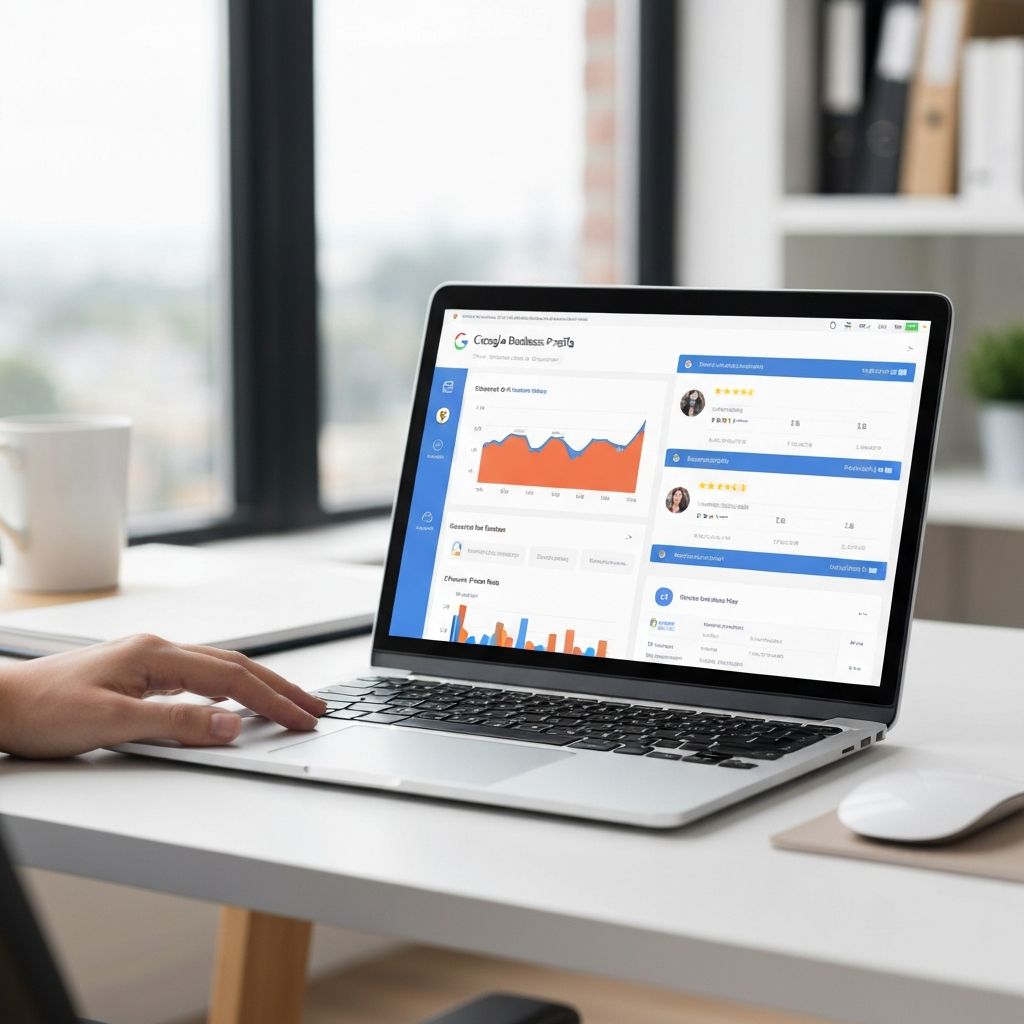
This is the biggest one. If you haven't claimed your Google Business Profile (formerly Google My Business), you simply won't appear in the map results or the "local pack" - those three listings that appear at the top of local searches.
The Local Pack Matters
The top 3 Google Map results get 44% of all clicks. If you're not in that pack, you're invisible to nearly half your potential customers.Fix:Go to business.google.com and either claim your existing listing or create a new one. You'll need to verify ownership, usually by postcard or phone call.
2. Your Profile Isn't Verified
You might have started setting up a profile but never completed verification. Unverified profiles rarely appear in search results because Google can't confirm you're legitimate.
3. Your Business Category Is Wrong
If you've set your category as "Restaurant" instead of "Pub", you won't appear when people search for pubs. Google takes categories very seriously for local search.
Fix:Set your primary category to "Pub" or "Gastropub". You can add secondary categories like "Restaurant" or "Bar" but make sure the main one reflects what you are.
4. Your Name, Address, or Phone Number Is Inconsistent
Google cross-references your information across the web. If your address is "123 High Street" on Google but "123 High St." on your website and "123 High Street, Town Centre" on Facebook, Google gets confused and may demote you.
Consistency is everything. Pick one exact format for your name, address, and phone number and use it everywhere.
NAP Consistency Checklist
- Google Business Profile
- Your website footer
- Facebook page
- TripAdvisor listing
- Yell.com
- Any other directory listings
5. Your Website Isn't Linked to Your Profile
Your Google Business Profile should link to your website, and your website should include your correct address and contact details. This connection helps Google trust that you're a real business.
Need a Website That Google Loves?
We build pub websites optimised for local search from day one.
See our website design service6. You Have No Reviews (or Only Old Ones)
Review quantity, quality, and recency all affect your ranking. A pub with 50 recent reviews will typically outrank one with 10 reviews from three years ago - even if both have 4.5 stars.
of consumers trust online reviews as much as personal recommendations
Fix: Start actively encouraging reviews. Ask happy customers, put up table cards with QR codes, and follow up after events. Respond to all reviews - positive and negative.
Learn more in our guide to getting your pub on Google Maps.
7. Your Competitors Are Just Better Optimised
Sometimes you're doing everything right, but competitors are doing more. They have more reviews, better photos, more complete profiles, and websites that Google loves.
What to Do Next
Start with the basics: make sure you have a verified Google Business Profile with the correct category and consistent contact information. Then work on reviews and photos.
Your Action Plan
- Claim or verify your Google Business Profile
- Set your primary category to 'Pub' or 'Gastropub'
- Ensure NAP consistency across all platforms
- Add at least 10 high-quality photos
- Start collecting reviews systematically
Get a Free Google Visibility Audit
We'll analyse your pub's Google presence and tell you exactly what's holding you back - with a prioritised action list.
Book your free audit