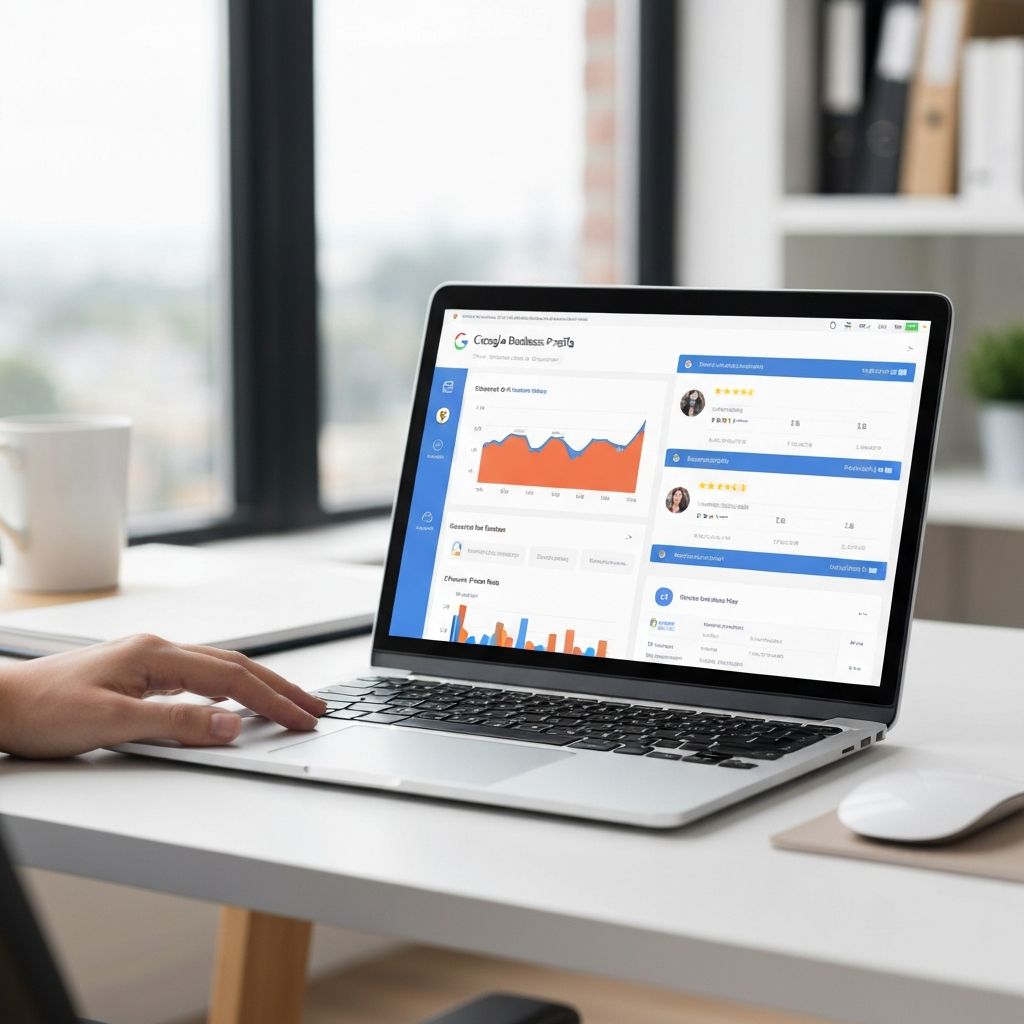
Google Business Profile is the single most important digital marketing tool for local pubs. It's free, it's powerful, and it directly affects whether customers find you or your competitors.
of all Google searches have local intent — people looking for businesses near them
Why Google Business Profile Matters
When someone searches "pubs near me" or "best pub in [town]", Google shows three results at the top of the page — the Map Pack. These listings come from Google Business Profile, not from websites.
Creating Your Profile
Sign In to Google Business
Go to business.google.com. Sign in with a Google account you'll have permanent access to — ideally a business email rather than a personal one.
Find or Add Your Business
Search for your pub. If it already exists (Google often creates listings automatically), claim it. If not, add it as a new business.
Enter Business Details
- Name: Your pub name exactly as it appears on your signage
- Category: Primary category should be "Pub" or "Gastropub"
- Address: Full postal address, matching Royal Mail format
- Phone: Main customer phone number
- Website: Your pub's website URL
Verify Ownership
Google will ask you to verify you own the business. Options include postcard (5-14 days), phone call (instant), or email (instant if you have a matching business email).
Optimising Your Profile
A basic profile won't rank well. Google rewards complete profiles — pubs that fill in every field rank higher than those that don't.
Complete Every Section
- Opening hours (including special hours for holidays)
- Business description (up to 750 characters)
- All services offered (food, beer garden, live music, etc.)
- Attributes (dog-friendly, wheelchair access, outdoor seating)
- Menu link or dishes
- Booking link
- Products/services section
Writing Your Description
Your description appears when customers click on your listing. Include:
- What type of pub you are (country pub, gastropub, sports bar)
- What makes you special (historic building, local ales, award-winning food)
- Key offerings (Sunday roasts, beer garden, live music)
- Location context (near the station, in the village centre)
Adding Quality Photos
more direction requests for profiles with photos compared to those without
Profiles with photos get significantly more engagement. Add photos showing:
- Exterior: So customers recognise your pub from the street
- Interior: Show the atmosphere — bar, seating areas, fireplaces
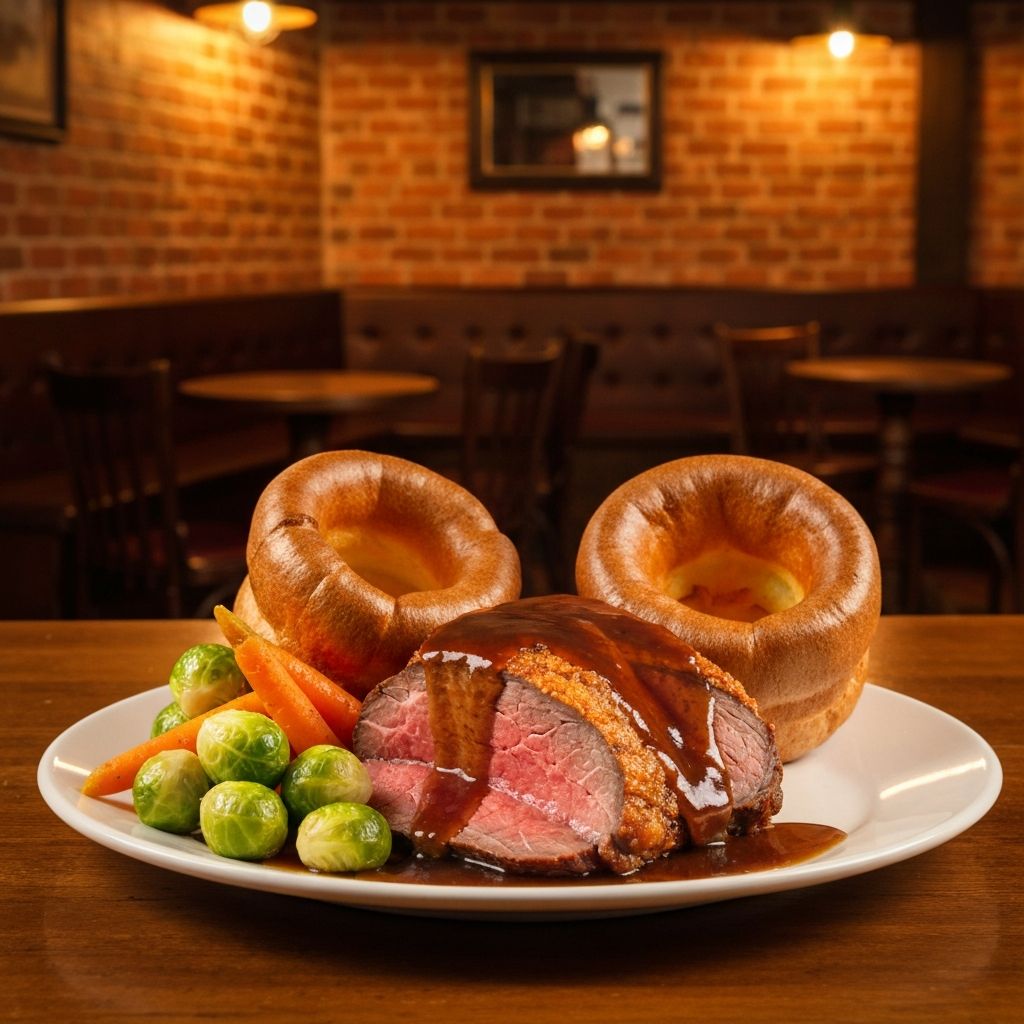
- Food & drinks: Your best dishes and signature drinks
- Team: Friendly staff behind the bar (with permission)
- Events: Quiz nights, live music, busy Saturday nights
Getting Reviews
Reviews are a major ranking factor. More reviews, better average rating, and recent activity all help you rank higher in the Map Pack.
How to Generate More Reviews
- Create a direct link: Generate your review link from GBP dashboard
- Table cards with QR codes: Make it easy for diners to review
- Receipt footers: Add your review link to printed receipts
- Follow-up emails: Send after bookings asking for feedback
- Staff asks: Train staff to ask happy customers directly
Ongoing Management
Setup isn't a one-time task. For best results, maintain your profile regularly:
Weekly GBP Tasks
- Post updates (events, specials, news)
- Respond to new reviews
- Answer any customer questions
- Add new photos when you have them
Monthly GBP Tasks
- Review and update opening hours
- Check all information is current
- Add seasonal menu updates
- Review insights and performance
Need Help With Your Google Profile?
We set up, optimise, and manage Google Business Profiles for pubs across the UK. Let us handle it while you focus on running your pub.
See our GBP service