When someone searches "pub near me" on their phone, Google Maps results dominate the screen. If your pub isn't there, you're invisible to most potential customers.
of people look up the location of a business on Google Maps
The good news: getting on Google Maps is free and relatively straightforward. Here's exactly how to do it.
Step 1: Check If You Already Have a Listing
Before creating anything new, search for your pub on Google. If it appears on the map - even without much information - you may already have an unclaimed listing that Google created automatically.
Don't Create Duplicates
If you find an existing listing, claim it rather than creating a new one. This preserves any existing reviews and history.Step 2: Create or Claim Your Google Business Profile
Go to Google Business Profile
Add or Claim Your Business
Select Your Category
Add Your Address
Step 3: Verify Your Business
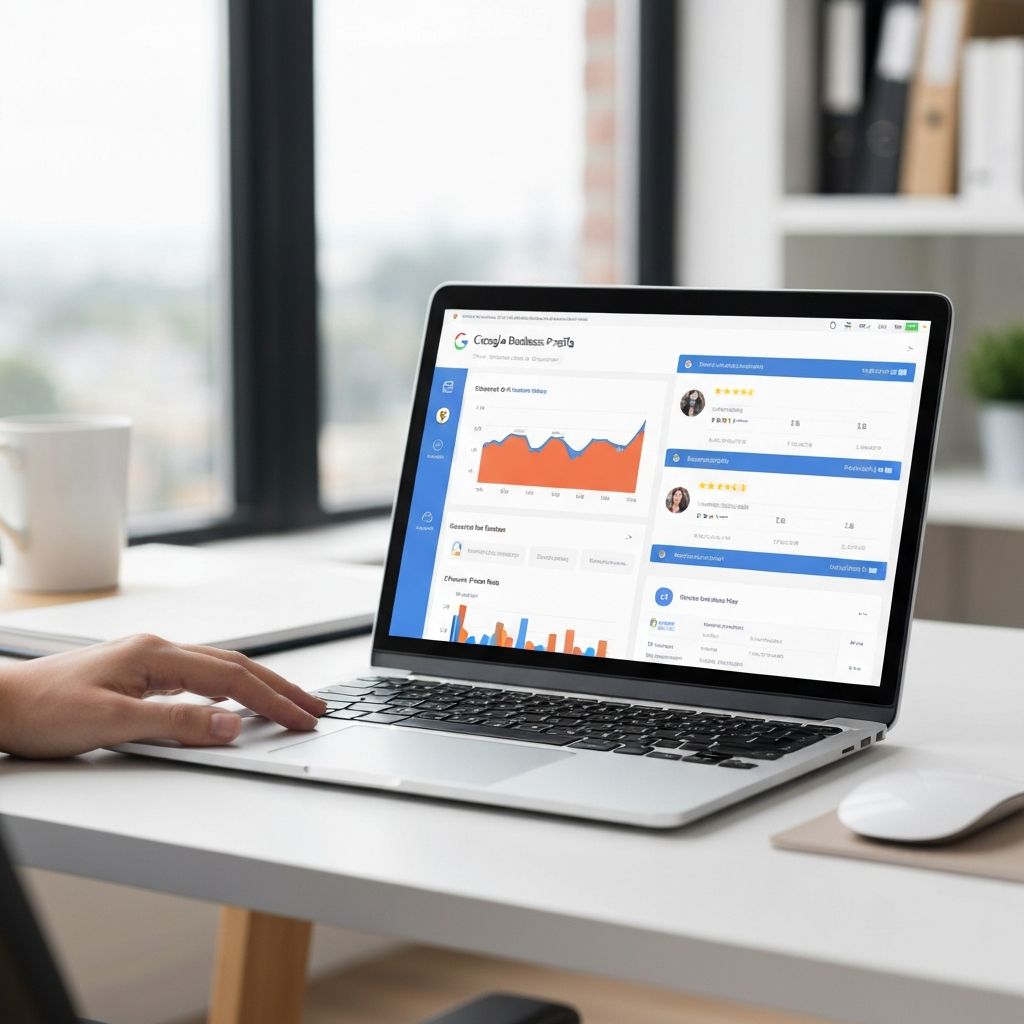
Google needs to confirm you're the legitimate owner. Common verification methods:
Verification Methods
- Postcard: Google mails a postcard with a code (5-14 days)
- Phone: Automated call to your listed number with a code (instant)
- Email: Code sent to a business email (instant)
Step 4: Complete and Optimise Your Profile
Once verified, add everything you can. Complete profiles rank higher and convert more searchers into visitors.
Profile Completion Checklist
- Opening hours (including special hours for bank holidays)
- At least 10 high-quality photos (exterior, interior, food, drinks)
- Business description (what makes your pub special)
- Attributes (dog-friendly, wheelchair accessible, live sports)
- Menu (URL or upload dishes directly)
- Website URL
- Booking link (if you take reservations)
Need Professional Photos?
Great photos are crucial for your Google listing. We can help you get the shots that convert browsers into visitors.
Learn about our servicesStep 5: Start Getting Reviews
Reviews are the single biggest factor in local search ranking after having a complete profile. Ask happy customers to leave reviews.
reviews is the sweet spot for local businesses - aim to reach this milestone
What Happens Next
Your pub should appear on Google Maps within a few days of verification. Your ranking in search results will improve as you add more information, photos, and reviews.
For more advanced strategies, read our guide on how to get into the Google Map Pack.
Want Help Optimising Your Listing?
Book a free audit and we'll show you exactly how to climb the local rankings and beat your competitors.
Get your free audit