Menus change constantly. A supplier puts their prices up, the chef swaps the fish, you drop three dishes for a Christmas set menu and put them back in January. The question is not whether your menu will change — it is how long each change takes you.
If updating a price means opening a design file, re-exporting a PDF and emailing it to someone, you will put it off. That is how pubs end up with a menu online that has been wrong since last spring. This guide is about building a menu you can edit yourself, from your phone, in the time it takes to pour a pint.
Worth saying up front: if you are weighing up whether to use a PDF at all, we have covered that argument in full on our online menus for pubs page, and the SEO side of it in common pub website SEO mistakes. The short version is that Google struggles to read PDFs and they are miserable to pinch and zoom on a phone. This article assumes you have decided on a real web page and want to know how to build it well.
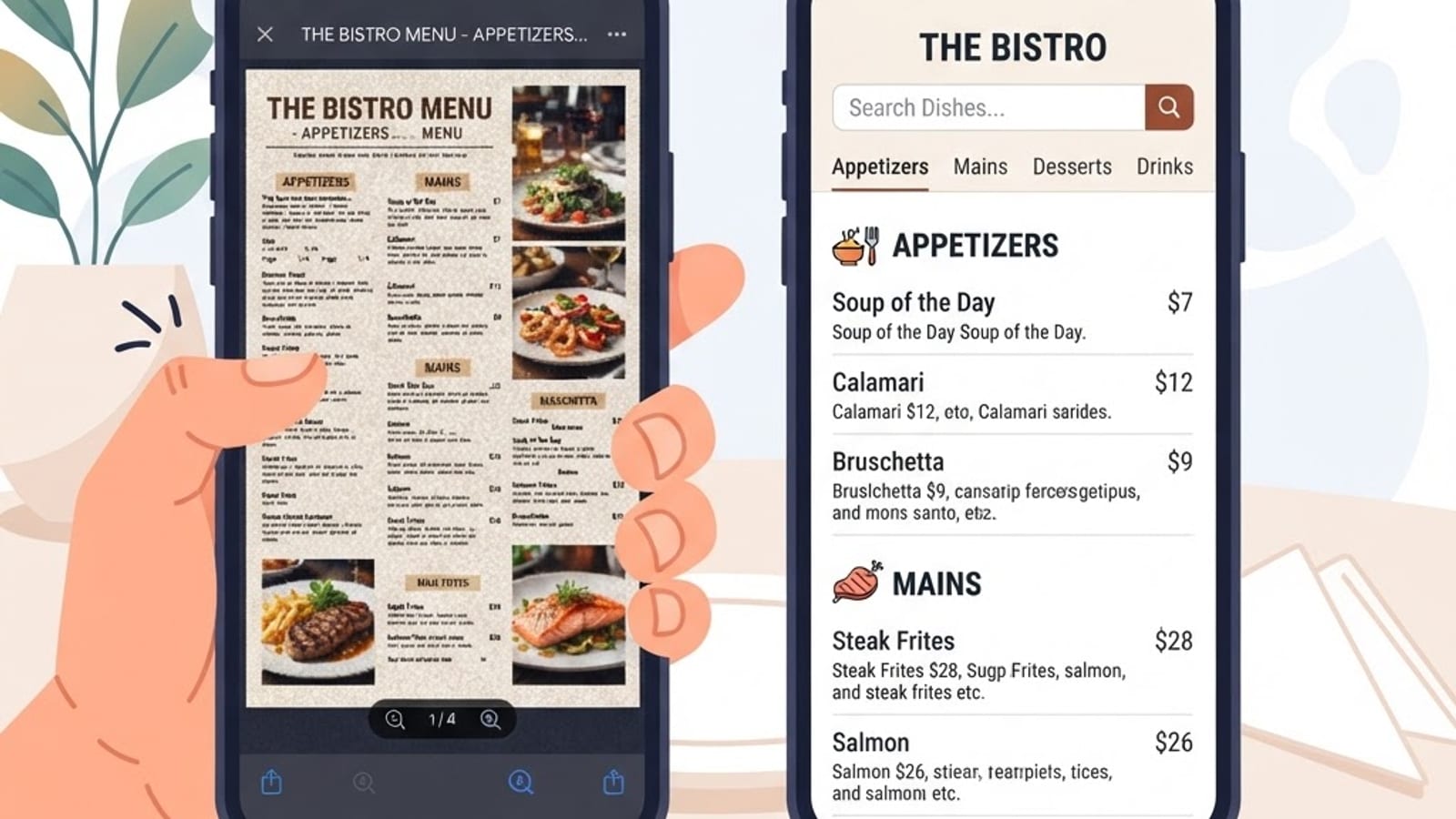
1. Structure It as Data, Not a Document
This is the decision everything else follows from. A document is one long block you edit by hand. Data is a list of dishes, each with its own name, description, price and tags. When your menu is stored as data, changing one price touches one field and nothing else moves.
Practically, that means each dish should be its own entry rather than a line of text inside a big paragraph. It sounds like a small distinction. It is the difference between "edit the price of the burger" and "find the burger somewhere in 900 words and hope you do not break the layout".
What each dish needs as its own field
- Name - the dish as a customer would say it out loud
- Description - one or two lines, no marketing fluff
- Price - as a number, not baked into the description text
- Dietary tags - vegetarian, vegan, gluten-free and so on
- Availability - so you can hide a dish without deleting it
2. Decide Your Sections Before You Write
Most pub menus need fewer sections than they end up with. Every extra section is another thing to scroll past on a phone. Start with the sections a customer is actually looking for and resist adding more.
A structure that works for most pubs
- Starters and small plates
- Mains
- Sunday roast, if you do one - it deserves its own section, not a footnote
- Sides
- Desserts
- Children's menu
- Drinks, usually better as a separate page than a section
Put your Sunday roast somewhere obvious. People search for it by name, they search for it early in the week, and burying it inside "Mains" costs you bookings from the exact people who were already looking for it.
3. Handle Prices and Variants Properly
Prices are the thing you will change most often, so they need to be the easiest thing to change. Keep the number in its own field, separate from the description. If the price is written inside a sentence, you are editing prose every time your costs move.
Variants are where menus get messy. A steak at two weights, a pie with or without chips, a wine by glass or bottle. Each variant needs its own price rather than a description that reads "add £3 for chips", which customers miss and staff have to explain.
4. Deal With Allergens and Dietary Tags
Dietary tags are one of the most useful things you can add, because they answer a question that otherwise becomes a phone call. Someone deciding where to take a vegan friend or a coeliac relative wants to know before they book, not when they arrive.
Tag dishes clearly as vegetarian, vegan or gluten-free where that is accurate, and make the tags visible next to the dish rather than in a key at the bottom. On a phone, nobody scrolls back up to decode a legend.
A sensible pattern is to tag the obvious dietary categories on the menu itself, then add a short line telling customers to speak to staff about specific allergies. That keeps the menu readable without implying a guarantee your kitchen cannot make.
Making It Genuinely Editable
"Editable" only counts if you can do it yourself, on the day, without help. Here is what that looks like in practice.
Log in from your phone
Find the dish without hunting
Change one thing at a time
See it live immediately
Mistakes That Make Menus Hard to Update
Most unmaintainable menus fail for one of a handful of reasons. All of them are easier to avoid at the start than to unpick later.
Avoid these
- Prices written inside description text instead of their own field
- The whole menu as one image or PDF, so any change means re-exporting
- Photographs of a printed menu, which cannot be read by search engines or screen readers
- A dietary key at the bottom instead of tags on each dish
- No way to hide a dish, so seasonal items get deleted and retyped
- Menus only reachable from a link buried in the footer
The photograph one is worth calling out. A picture of a printed menu is the least accessible option available: search engines cannot index the dishes, and anyone using a screen reader gets nothing at all.
Want a menu you can edit yourself?
Every website we build includes a proper editable menu - log in, change a price, save, done. No design software, no waiting on anyone else.
See how our online menus workNone of this requires a designer once the structure is right. The goal is a menu where changing the price of a steak takes thirty seconds and a Sunday roast that people can actually find. Get that far and your menu stops being a thing you dread updating.