Whether you are opening a brand new pub or taking over one with no digital presence, this guide walks you through setting everything up from scratch. Follow these steps in order for the smoothest setup.
to a complete online presence - follow this guide in order
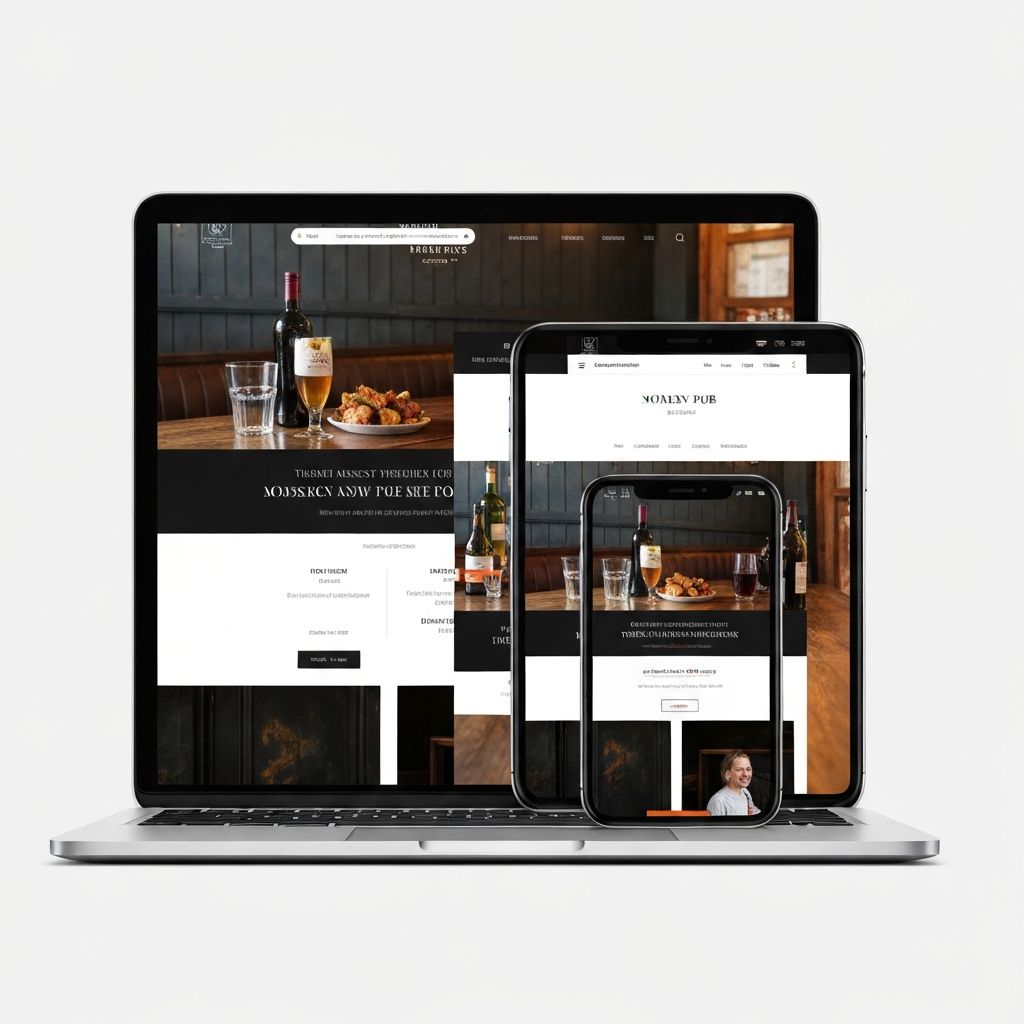
Step 1: Secure Your Domain Name
Before anything else, register your domain name (website address). Even if you are not ready to build a website yet, securing the domain protects your brand.
Domain Tips
- Try to get yourpubname.co.uk or yourpubname.com
- If taken, try yourpubname-town.co.uk
- Use a reputable registrar (123-reg, GoDaddy, Namecheap)
- Cost: around £10-15/year
- Set up auto-renewal so you do not lose it
Step 2: Create Your Google Business Profile
This is your most important online asset. It is free, it appears in Google searches and Maps, and it is often the first thing customers see.
Initial Setup
Create Your Profile
Enter Basic Information
Verify Ownership
Most Important Asset
Your Google Business Profile is free and often more important than your website. Complete it fully before moving on.Completing Your Profile
Profile Completion
- Accurate opening hours for every day
- Business description (up to 750 characters)
- All relevant attributes (outdoor seating, WiFi, dog-friendly)
- At least 10 photos to start (exterior, interior, food, drinks)
- Your website URL when ready
- Your menu (as photos or a link)
For detailed guidance, see our Google Business Profile setup guide.
Step 3: Set Up Your Facebook Page
Facebook is still the most important social platform for pubs. Many customers check your Facebook before visiting.
Facebook Setup
- Profile picture: Your pub sign or logo (works best as a square)
- Cover photo: Your best photo of the pub (820x312 pixels ideal)
- About section: Full description of your pub
- Opening hours: Keep these synced with Google
- Call-to-action button: Set to 'Call Now' or 'Book Now'
- Website link: Add when ready
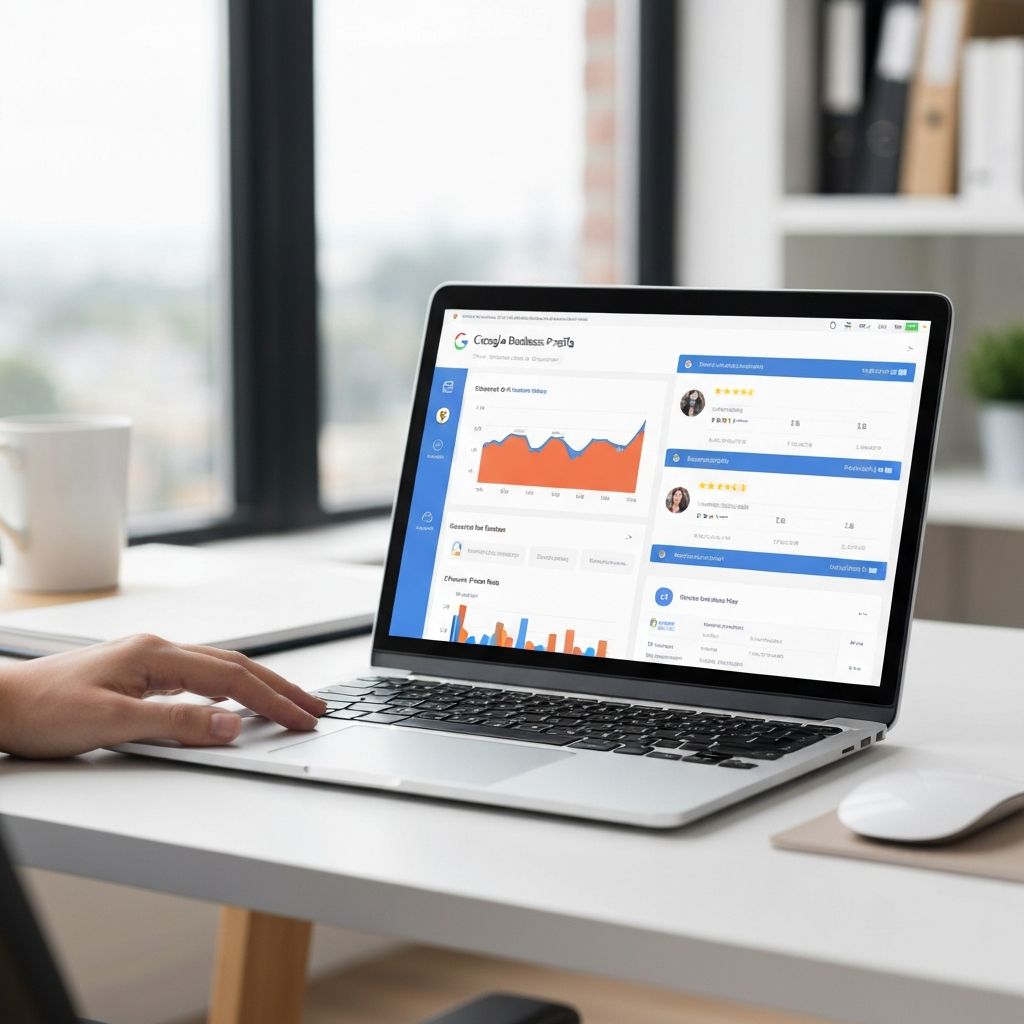
Step 4: Claim Other Directory Listings
Your pub may already appear on these sites with incomplete or incorrect information. Claim and update them:
Essential Directories
- TripAdvisor - create or claim your listing
- Yell.com - check and update
- Yelp - if relevant to your area
- Foursquare - powers many other apps
- CAMRA WhatPub - if you serve real ale
- Local tourism websites - search for local directories
Use exactly the same name, address, and phone number everywhere. Consistency helps your SEO and builds trust with Google.
Step 5: Build Your Website
With your Google and social presence established, now build your website. You have three main options:
Option A: DIY Website Builder
- Platforms: Wix, Squarespace, WordPress.com
- Cost: £10-30/month
- Pros: Quick, cheap, you control updates
- Cons: Generic design, limited SEO, time-consuming
Option B: Professional Build
- Cost: £1,500-5,000 one-off
- Pros: Custom design, proper SEO, saves your time
- Cons: Higher upfront cost, need someone for major changes
Option C: Pub-Specific Agency (Like Us)
- Cost: Varies, often between DIY and general agency
- Pros: Understand pub industry, know what works, often include SEO
- Cons: Need to find a specialist
Essential Website Elements
Website Must-Haves
- Mobile-friendly design
- Clear contact information on every page
- Tap-to-call phone number
- Online booking (widget or form)
- Full menu (not just a PDF)
- Quality photos
- Your location mentioned throughout
Need a Professional Website?
We build pub websites designed to rank locally and convert visitors into bookings.
See our website design serviceStep 6: Set Up Email Marketing
Start collecting customer emails from day one. This becomes your most valuable marketing channel over time.
Email Setup
- Choose a platform: Mailchimp (free for small lists) or MailerLite
- Create a simple signup form
- Add form to your website
- Create a signup sheet for the bar
- Offer an incentive: 10% off, free drink, exclusive offers
Step 7: Set Up Analytics
Install tracking so you know what is working:
Analytics Tools
- Google Analytics - free, tracks website visitors
- Google Search Console - free, shows search performance
- Facebook Insights - built into your page
- Google Business Profile Insights - built into your profile
Step 8: Create a Content Calendar
Consistency matters more than frequency. Plan what you will post and when:
matters more than frequency - plan a schedule you can maintain
Posting Schedule
- Google Business Profile: 1 post per week
- Facebook: 2-3 posts per week
- Instagram: 3-4 posts per week (if using)
- Email: 1-2 newsletters per month
Need Help Setting Up?
Setting up everything properly takes time. If you'd rather focus on running your pub, we offer complete setup packages for new pub landlords.
Get a free consultation